
How to Create a REGXA Account
Follow this quick guide to create a REGXA account without needing to purchase any products—just sign up and get started in minutes.
Updated October 24, 20260 found this helpful
Follow this quick guide to create a REGXA account without needing to purchase any products—just sign up and get started in minutes.
You can create a REGXA account without purchasing any products. Just follow these steps:
Visit regxa.com.
Click on Dashboard in the top right corner of the homepage.
Select Sign Up.
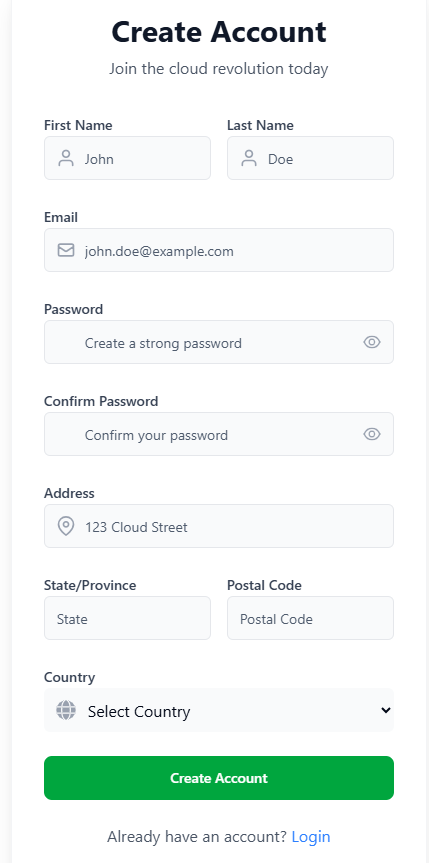
Fill out the registration form with the required information.
Click Create Account.
Once your account is created, you will be automatically redirected to the login page.